Free & 100% Browser-Based

Turn Your Photos
Into Mosaic Art

Transform hundreds of tiny images into a single breathtaking portrait — entirely in your browser. Zero uploads, zero limits, zero cost.

No sign-up
Private processing
HD download
How It Works
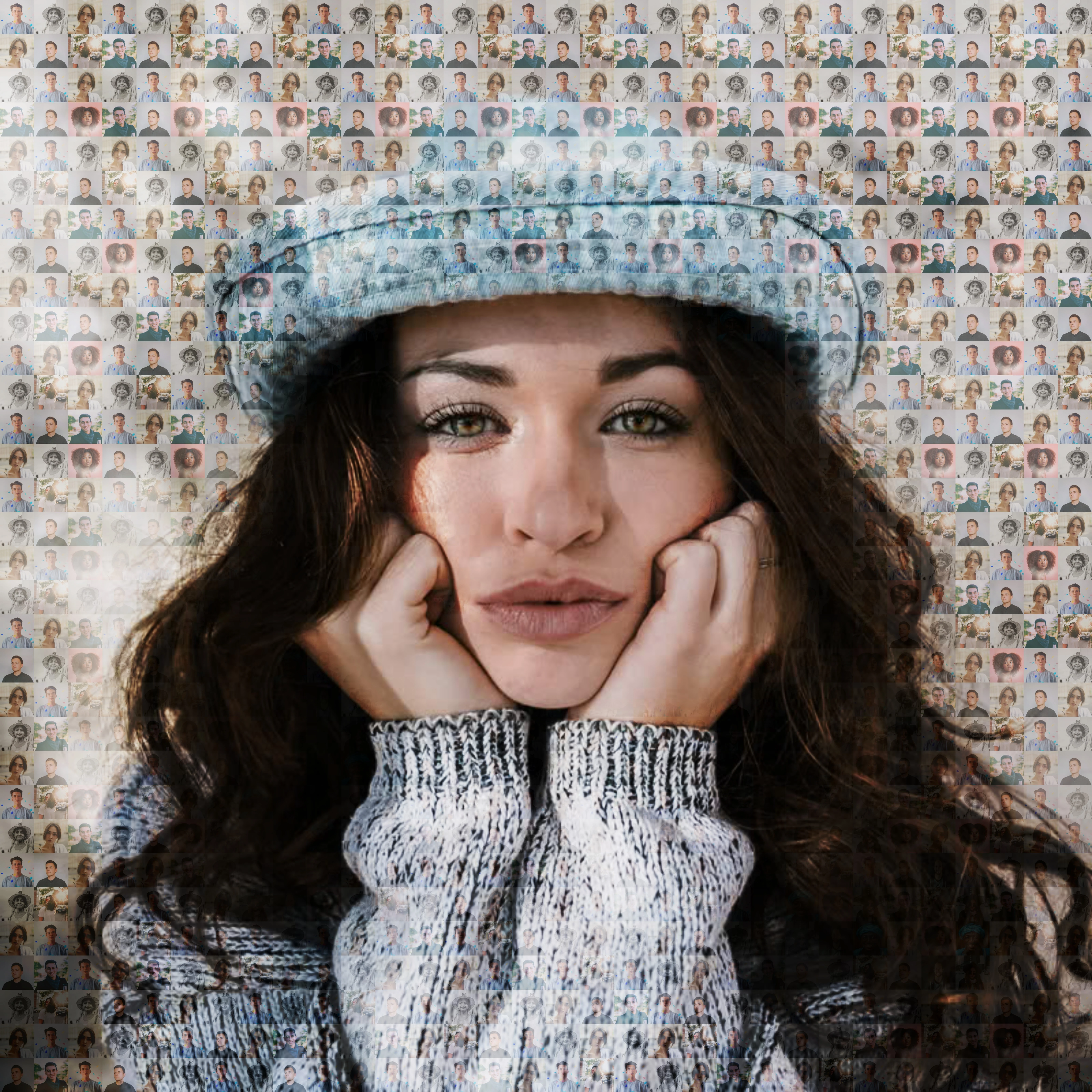
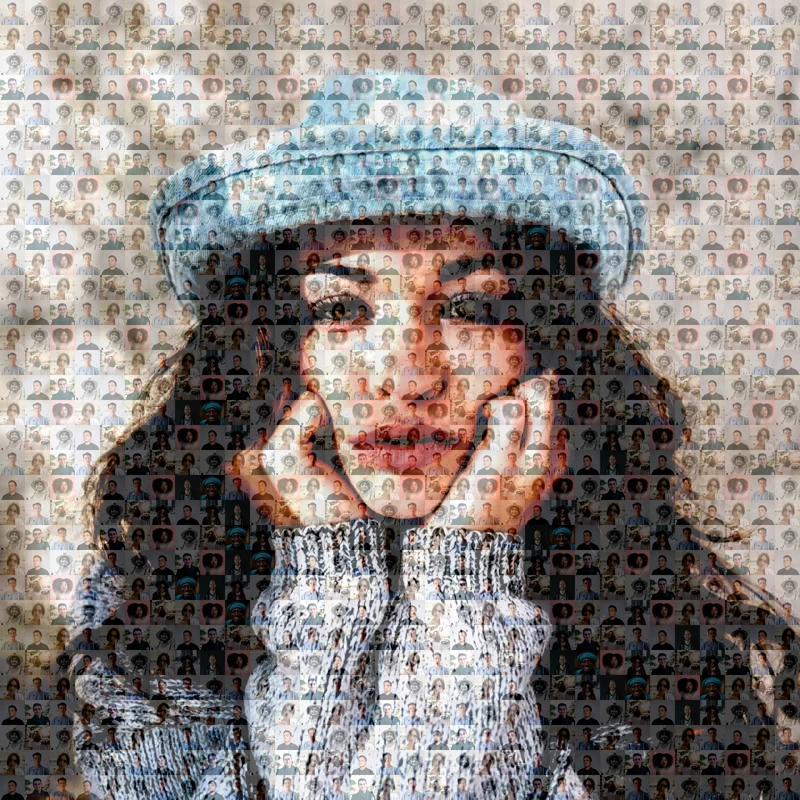
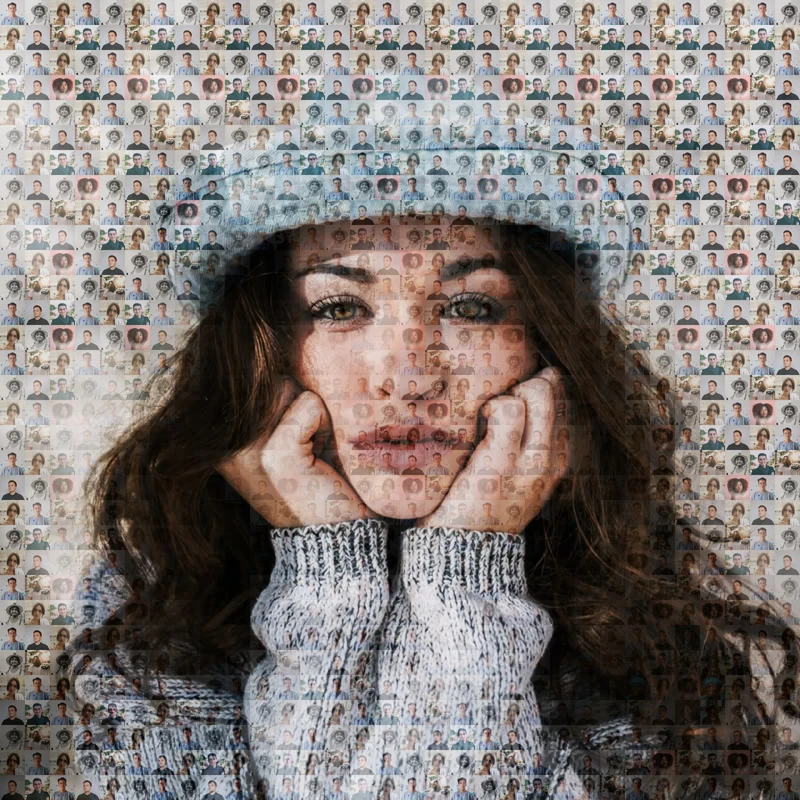
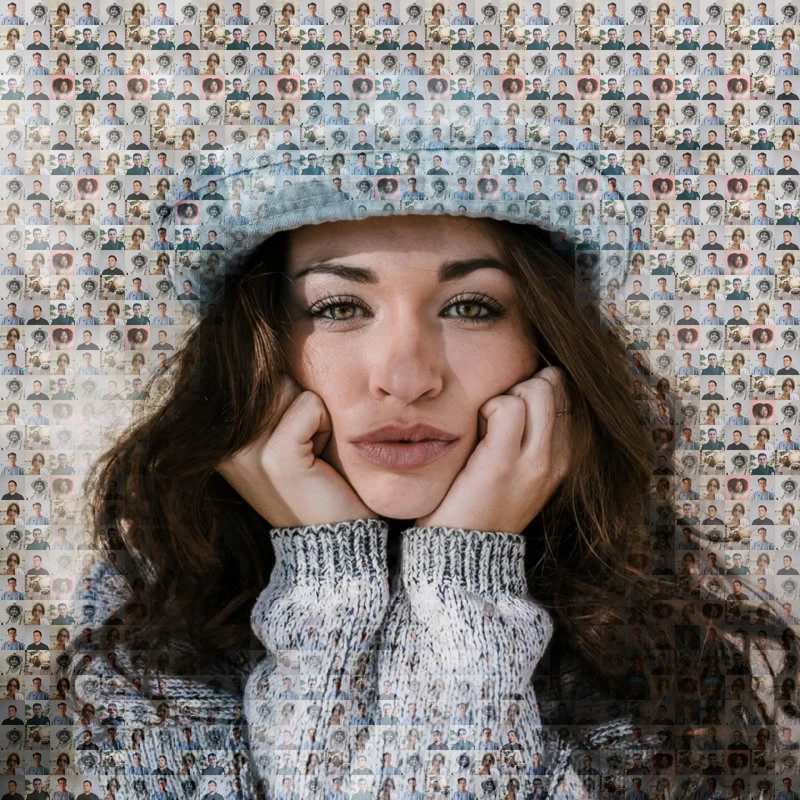
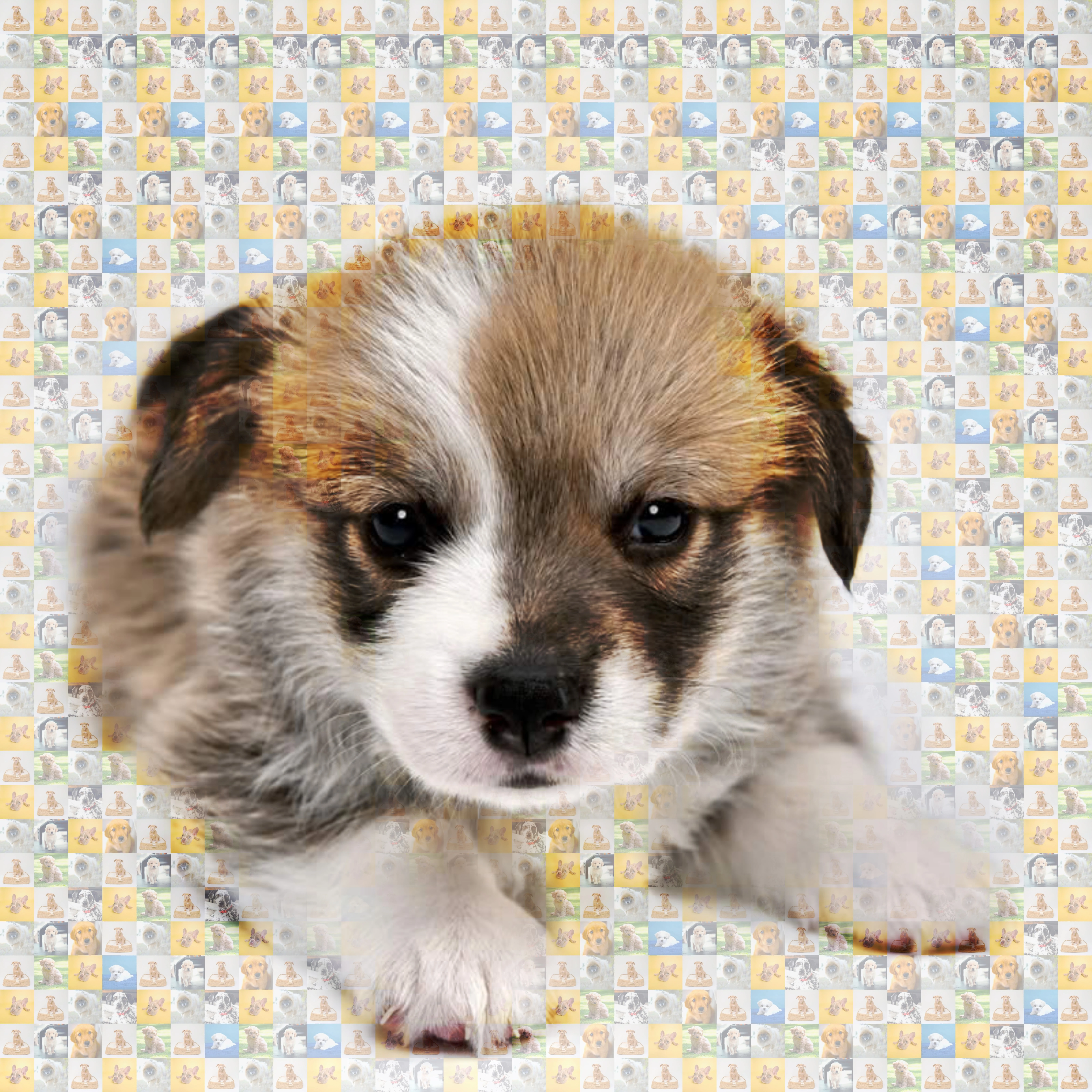
Photo Mosaic Example

What Is a Photo Mosaic?

A photo mosaic is a larger image created using hundreds or thousands of smaller images. From far away, the tiny photos combine to recreate the main picture.

Our free Mosaicify Studio automatically analyzes colors and matches images to generate stunning mosaic art in seconds.

  • Portrait mosaics
  • Pet mosaics
  • Wedding mosaics
  • Birthday gifts
  • Wall art creations

How It Works

Create your mosaic in 2 simple steps

1

Choose Photos

Select your main image and upload 50-200 tile images for the best results.

2

Generate Mosaic

Fine-tune your mosaic with adjustable blend modes, contrast, and overlay effects, then download your artwork.

Mosaic Editor

Transform your images into stunning photo mosaics

1
Main Image
2
Tile Images
3
Adjust
4
Generate
1
Choose Photos
2
Generate Mosaic

Choose Photos

Select your main image and tile images to build your mosaic

Main Image

Pick the image to recreate as mosaic

Example Images

Or Use Your Own Image

Use Your Own Image
PNG, JPG, WebP, GIF, BMP, TIFF

Selected Image

Tile Images

Add 50-200 images for best results

Or Use Your Own Photos

Use Your Own Photos
PNG, JPG, WebP, GIF, BMP, TIFF

Selected Tiles

Generate & Adjust

Fine-tune and download your mosaic

Processing...
Original
Original
Mosaic
Mosaic

Why Use Mosaicify Studio?

100% Browser Based

Your images are processed directly on your device.

Private & Secure

No image uploads required for mosaic generation.

HD Downloads

Export high-quality mosaics ready for printing.

Free to Use

Create unlimited photo mosaics online for free.

Frequently Asked Questions

A photo mosaic is an image created using many smaller images that combine together to recreate a larger picture.

No. Images are processed locally in your browser for better privacy and speed.

More images generally create better mosaics. We recommend at least 50 to 100 images for detailed results.